 Whatlater
Looking for a Google Keep alternative? Here's a different idea
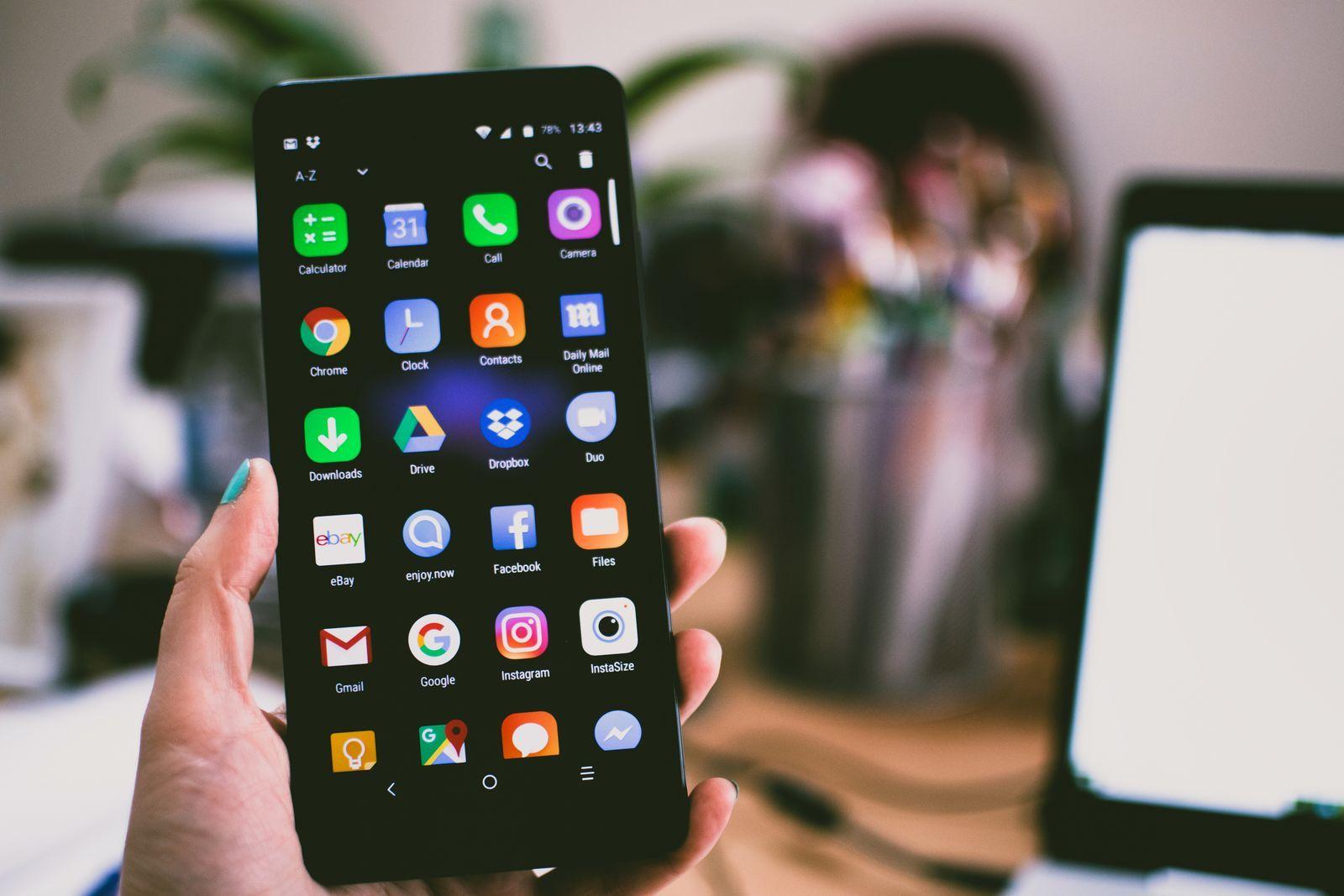
Google Keep deserves credit: it made quick capture effortless. A note, a checklist, a photo — two taps and it's in. If you're searching for a Google Keep alternative, it's probably not because capturing failed. It's because of what happens after.
Where Keep quietly gives up
Notes go in and never come back. Keep has no daily resurface, no "remember this when it matters." The wall of yellow squares grows until scrolling it feels like archaeology.
Organization is homework. Labels are manual, so nobody maintains them. Search matches the words you typed — not the recipe inside the photo you saved.
Links go there to die. Paste a URL into Keep and you get a dead text box: no readable copy, no summary, nothing when the page later disappears.
It's another app to remember. The note you actually take in real life happens where you already are — usually a chat.
The different idea
WhatLater starts from the habit you already have: sending things to yourself. Forward a link, photo, voice note or thought to WhatLater on WhatsApp — or share from any app on iPhone and Android, or click the Chrome extension — and AI does the rest: automatic tags, transcribed voice notes, photos read and described, articles captured in a clean reading view.
Then the half Keep never built: it comes back to you. Ask in plain words — "that recipe with lime", "the plumber's number" — and it finds it, even by what's inside a photo. Set a reminder on any card and it returns on WhatsApp at the right moment. One line sums up the difference: Keep is where notes go to be forgotten; WhatLater is where they come back to you.
What about your existing notes?
Moving is light. Export your Keep data with Google Takeout; anything with links can be dropped straight into Save → Import in the WhatLater hub (de-duplicated, auto-tagged). For the rest, forward what still matters to WhatLater as you bump into it — an honest spring-clean most Keep libraries are overdue for.
The core is free — no card, nothing to install if you start on WhatsApp. Premium is $3.99/month or $29.99/year when you want articles kept forever, reminders and automations.